
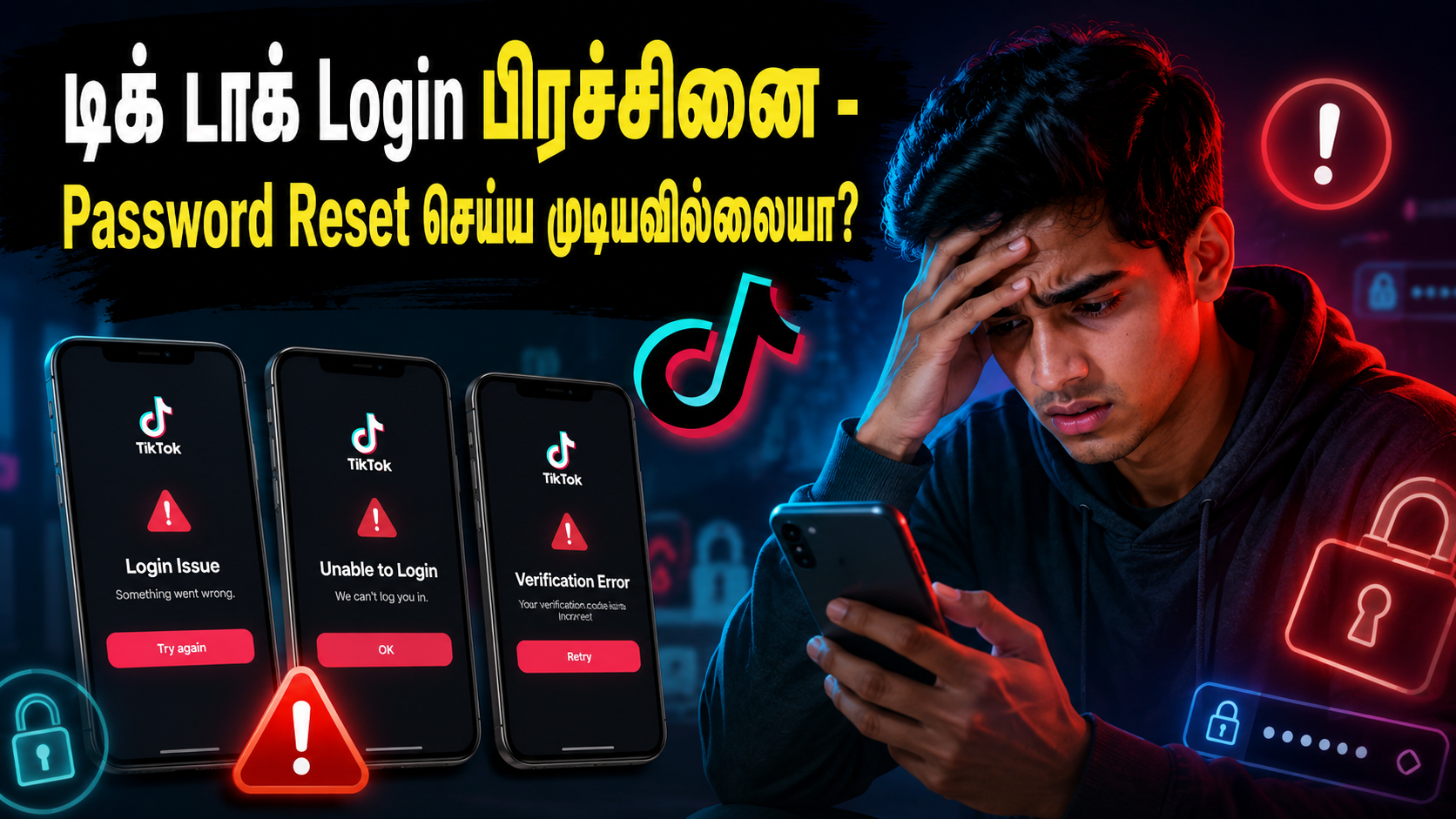


புதிய தொலைபேசியில் டிக் டாக் செயலியை திறக்கும் போது Password அல்லது Login பிரச்சினை ஏற்பட்டால் குறிப்பாக கடவுச்சொல்லை மறந்துவிட்ட நிலையில் Password Reset செய்ய முயற்சிக்கும் போது. சிக்கல்கள் தோன்றலாம். இவ்வாறான சந்தர்ப்பங்களில் TikTok வழங்கும் அதிகாரப்பூர்வ Feedback Form மூலம் நேரடியாக முறைப்பாடு அனுப்ப முடியும். முழுமையாக இந்த தொகுப்பை படித்த பின்னர் மேலே கொடுக்கப்பட்டுள்ள TikTok Feedback Form இணைப்பை திறக்க வேண்டும்.

- Login Issue
- Unable to Login
- Verification Error
போன்ற சிக்கல்கள் தோன்றலாம்.
📢 உங்கள் வணிக விளம்பரங்களுக்கு இன்றே அழையுங்கள்!
WhatsApp / Call: +94 76 572 9042


அதன்பின்னர் Topic என்ற இடத்தை கிளிக் செய்து அதில் Account access / security என்பதை கிளிக் செய்ய வேண்டும்

அதன்பின்னர் Category என்ற இடத்தை கிளிக் செய்து அதில் Login issue & account recovery என்பதை கிளிக் செய்ய வேண்டும்

அதன்பின்னர் உங்களுடைய டிக் டாக் னுடைய Username சரியாக கொடுக்க வேண்டும் அது எங்கு இருக்கும் என்று கீழே மற்றுமொரு புகைப்படத்தில் காட்டியுள்ளேன்


- அதன் பிறகு உங்களுடைய கணக்கு (Sign up date) எப்போது திறக்கப்பட்டது
- (Sign up region) எந்த நாட்டில் திறக்கப்பட்டது
- (Linked email or phone number) எந்த மின்னஞ்சலில் திறக்கப்பட்டது அல்லது தொலைபேசி இலக்கம்
- (Device used to login) எந்த தொலைபேசியில் திறக்கப்பட்டது உதாரணத்திற்கு ஆப்பிள் தொலைபேசி (iphone 14) அல்லது சாம்சங் தொலைபேசி (samsung A56)அதனுடைய மாடல்
- (Linked accounts) அத்தோடு உங்களுடைய டிக் டாக் கணக்கில் நீங்கள் இணைத்து வைத்துள்ள உங்களுடைய மற்றைய சமூக ஊடக கணக்கு (YouTube, Instagram) இவற்றை சரியான முறையில் வழங்க வேண்டும்

- (Contact email) உங்களை தொடர்பு கொள்வதற்கான மின்னஞ்சல் முகவரியை சரியான முறையில் கொடுக்க வேண்டும்
- (Additional details) மேலதிக தகவல்களாக உங்களுடைய கணக்கினை கடவுச்சொல்லை மாற்றி மீளப் பெற்றுக் கொள்வதற்கு உதவி செய்யக்கோரி வேண்டுகோள் எழுத வேண்டும்
I forgot my TikTok account password. I recently changed to a new phone and now I cannot log in to my account. When I try to reset the password, I receive login issues/errors.
Please help me recover my account
Thank you.- (Upload) நீங்கள் டிக் டாக் கணக்கினை திறக்க முற்படும்போது திரையில் தோன்றிய பிழைகளை ஸ்கிரீன் ஷாட் எடுத்து வைத்திருக்க வேண்டும் கட்டாயம் அவற்றை கீழுள்ள அப்லோட் என்ற பகுதியின் ஊடாக நீங்கள் பதிவேற்றம் செய்ய வேண்டும்

மேலே கூறப்பட்ட வகையில் அனைத்து தரவுகளும் சரியான முறையில் கொடுக்கப்பட்ட பின்னர் கீழுள்ள இரண்டு சிறிய புள்ளிகளை தெரிவு செய்த பின்னர் Submit பொத்தானை அழுத்தி முறைப்பாட்டை அனுப்பலாம்.

பொதுவாக TikTok சில நாட்களுக்குள் Email மூலம் பதில் அனுப்பும். சில நேரங்களில் கணக்கு உரிமையை உறுதிப்படுத்த அடையாள ஆவணங்கள் அல்லது கூடுதல் தகவல்களையும் கேட்கலாம்.

TikTok பாதுகாப்பு காரணங்களால் புதிய Device ஐ அடையாளம் காணாதபோது கூட Login தடைகள் தோன்றலாம் எனவே சரியான தகவல்களுடன் அமைதியாக Support Form மூலம் தொடர்பு கொள்வது மிகவும் முக்கியமானது.
இதைவிட மேலதிகமாக விளக்கம் தேவை எனின் இணைக்கப்பட்டுள்ள வீடியோவை பொறுமையாக முழுமையாக பாருங்கள்








Leave a Reply